Guide
How to Write AI Photo Editing Prompts for Realistic Results (2026 Guide)
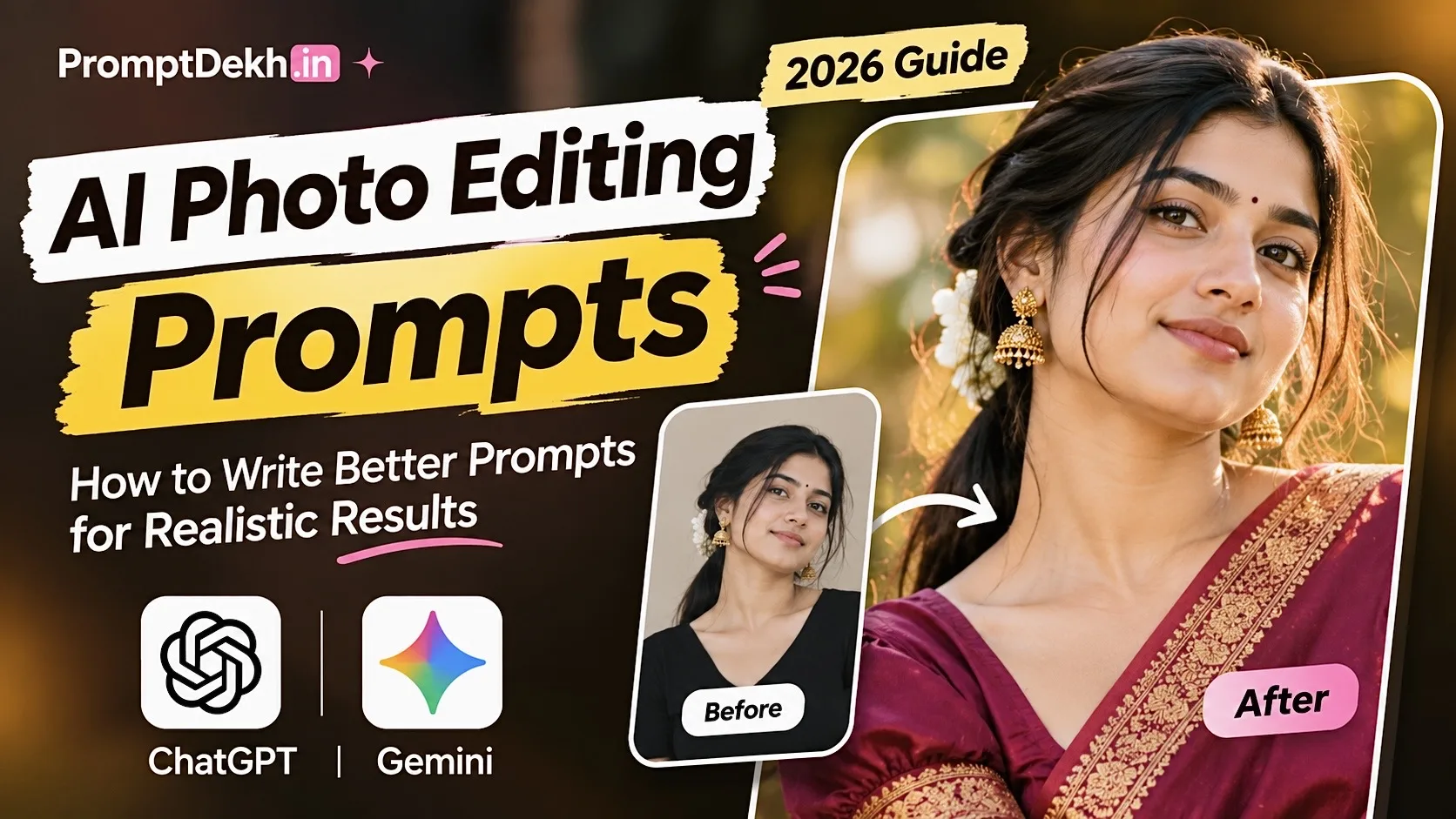
AI photo editing has become much easier than it used to be. You no longer need professional editing software or years of photography experience to create an impressive picture. With tools like ChatGPT and Gemini, you can transform an ordinary photograph into something that looks like a professional photoshoot.
But there is one thing that makes a bigger difference than the AI tool itself: **the prompt you use.**
A simple prompt might produce an average-looking image, while a detailed and well-written prompt can create something much closer to your imagination.
If you have ever uploaded your photo to an AI tool and wondered why the result looked completely different from what you expected, this guide will help you understand how to write better AI photo editing prompts.
## What Is an AI Photo Editing Prompt?
An AI photo editing prompt is a written instruction that tells an artificial intelligence tool how you want your photograph to look.
For example, instead of simply writing:
"Make my photo cinematic."
You can describe the complete scene:
"Transform this photograph into a cinematic outdoor portrait during golden hour. Keep the original person's facial identity, natural skin tone and facial structure unchanged. Add warm sunlight, a softly blurred background and realistic camera details. Make the final image look like a professional DSLR photograph."
The second instruction gives the AI much more information to work with.
That's the basic idea behind writing effective AI prompts.
## 1. Start With a Clear Description
Before writing a prompt, think about the final image you want to create.
Ask yourself a few simple questions:
- Where should the photograph be taken?
- What outfit should the person wear?
- What should the background look like?
- Should the lighting be natural, cinematic or studio-style?
- What mood should the photograph have?
You don't need complicated photography terminology. Just describe your idea as clearly as possible.
For example, if you want a traditional Indian portrait, mention the saree, jewellery, location, lighting and overall atmosphere.
## 2. Tell AI to Preserve Your Original Face
One of the biggest problems with AI photo editing is that the generated image sometimes changes the person's face.
This can happen when the prompt doesn't clearly explain which facial details should remain unchanged.
If you want a more consistent result, include instructions such as:
- Preserve the original facial structure.
- Keep the natural skin tone.
- Do not change the eyes, nose or lips.
- Maintain the original person's identity.
- Avoid artificial skin smoothing and beauty filters.
Remember that these instructions help guide the AI, but they cannot guarantee perfect identity preservation in every result.
## 3. Describe Lighting and Camera Style
Lighting can completely change the appearance of a photograph.
For realistic results, try describing the lighting rather than simply asking for a high-quality image.
Here are a few useful examples:
**Golden Hour:** Warm sunlight, soft shadows and a natural outdoor atmosphere.
**Studio Lighting:** Professional portrait lighting with controlled shadows and balanced exposure.
**Cinematic Lighting:** Dramatic contrast, atmospheric shadows and carefully balanced highlights.
**Natural Daylight:** Soft daylight, realistic colours and natural skin texture.
You can also mention camera characteristics such as portrait lens perspective, shallow depth of field and natural background blur.
Avoid adding too many technical terms if they don't contribute to the image you want.
## 4. Use These Ready-to-Copy AI Photo Editing Prompts
Here are some practical examples you can try with your own photographs.
### Prompt 1: Cinematic Portrait Photography
Transform the uploaded photograph into a professional cinematic portrait. Preserve the original person's facial identity, facial structure, hairstyle and natural skin tone. Add warm golden-hour lighting, a beautifully blurred background, realistic skin texture and subtle cinematic colour grading. Make it look like a genuine professional outdoor photoshoot, not an artificial AI-generated image.
### Prompt 2: Luxury Traditional Indian Look
Edit the uploaded photograph into an elegant traditional Indian portrait. Dress the person in a beautifully detailed traditional outfit with tasteful jewellery and natural styling. Use a premium heritage-inspired background, soft warm lighting and realistic fabric textures. Preserve the original facial identity and natural appearance. The final result should resemble a high-end fashion editorial photograph.
### Prompt 3: Professional Instagram Portrait
Create a stylish Instagram-ready portrait from the uploaded image. Keep the original face, facial proportions and natural skin tone unchanged. Add a clean aesthetic background, soft natural lighting, realistic colours and professional portrait photography composition. Avoid excessive retouching, artificial skin and unrealistic effects.
### Prompt 4: Vintage Film Photography
Transform the uploaded photograph into a natural vintage film-style portrait. Maintain the original person's identity and facial details. Add subtle film grain, slightly faded colours, soft highlights and realistic shadows. The image should resemble an authentic photograph captured on a classic film camera.
## 5. Common Mistakes to Avoid
Even a good AI image generator can produce disappointing results when the instructions are unclear.
Here are some mistakes worth avoiding:
**Writing prompts that are too short:** A prompt like "make it beautiful" doesn't explain what you actually want.
**Adding conflicting instructions:** Asking for bright daylight and dark nighttime lighting in the same scene can confuse the result.
**Using too many effects:** Combining excessive glow, blur, HDR, dramatic lighting and beauty filters can make an image look artificial.
**Ignoring the original photograph:** If you want to edit an existing picture, explain which parts should change and which should remain the same.
**Expecting every generation to be perfect:** Sometimes you need to adjust the wording and try again to get the result you imagined.
## 6. ChatGPT vs Gemini: Which Is Better for AI Photo Editing?
Both ChatGPT and Google Gemini can be useful for AI-assisted photo editing. The experience and results can vary depending on the model, available image features and the instructions you provide.
ChatGPT is useful for working with detailed editing instructions and experimenting with creative concepts.
Gemini is another popular option for generating and editing images, depending on the image capabilities available in your account.
Instead of choosing a tool based only on popularity, try the same prompt in both and compare the results.
## 7. Where Can You Find More AI Photo Editing Prompts?
Writing every prompt from scratch can take time, especially when you want to experiment with different photography styles.
That's where a ready-to-use prompt collection becomes helpful.
At **PromptDekh.in**, you can explore different types of AI photo editing prompts, including:
- Boys AI Photo Editing Prompts
- Girls AI Photo Editing Prompts
- Couple Photo Editing Prompts
- Portrait Photography Prompts
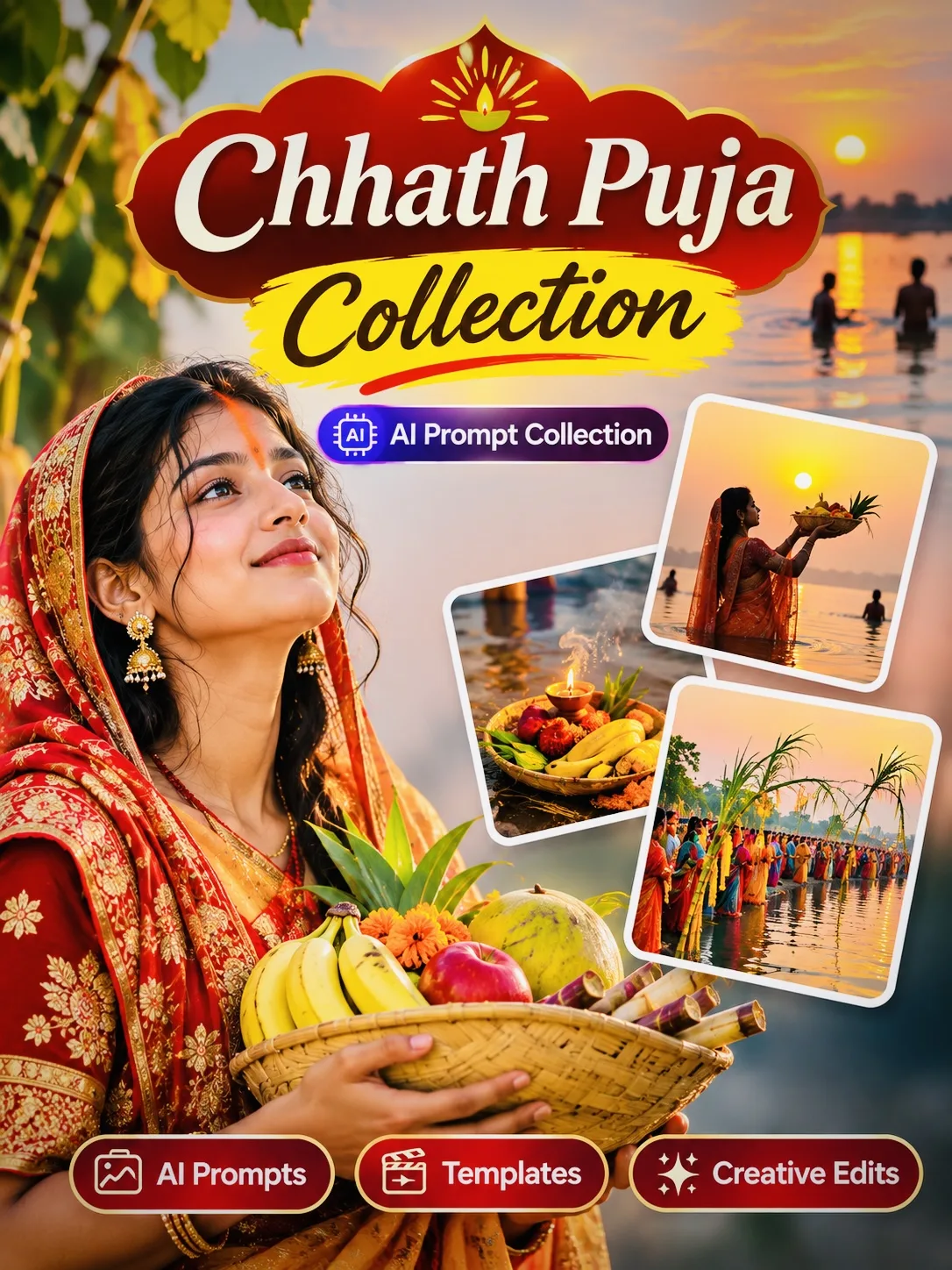
- Festival Photo Editing Prompts
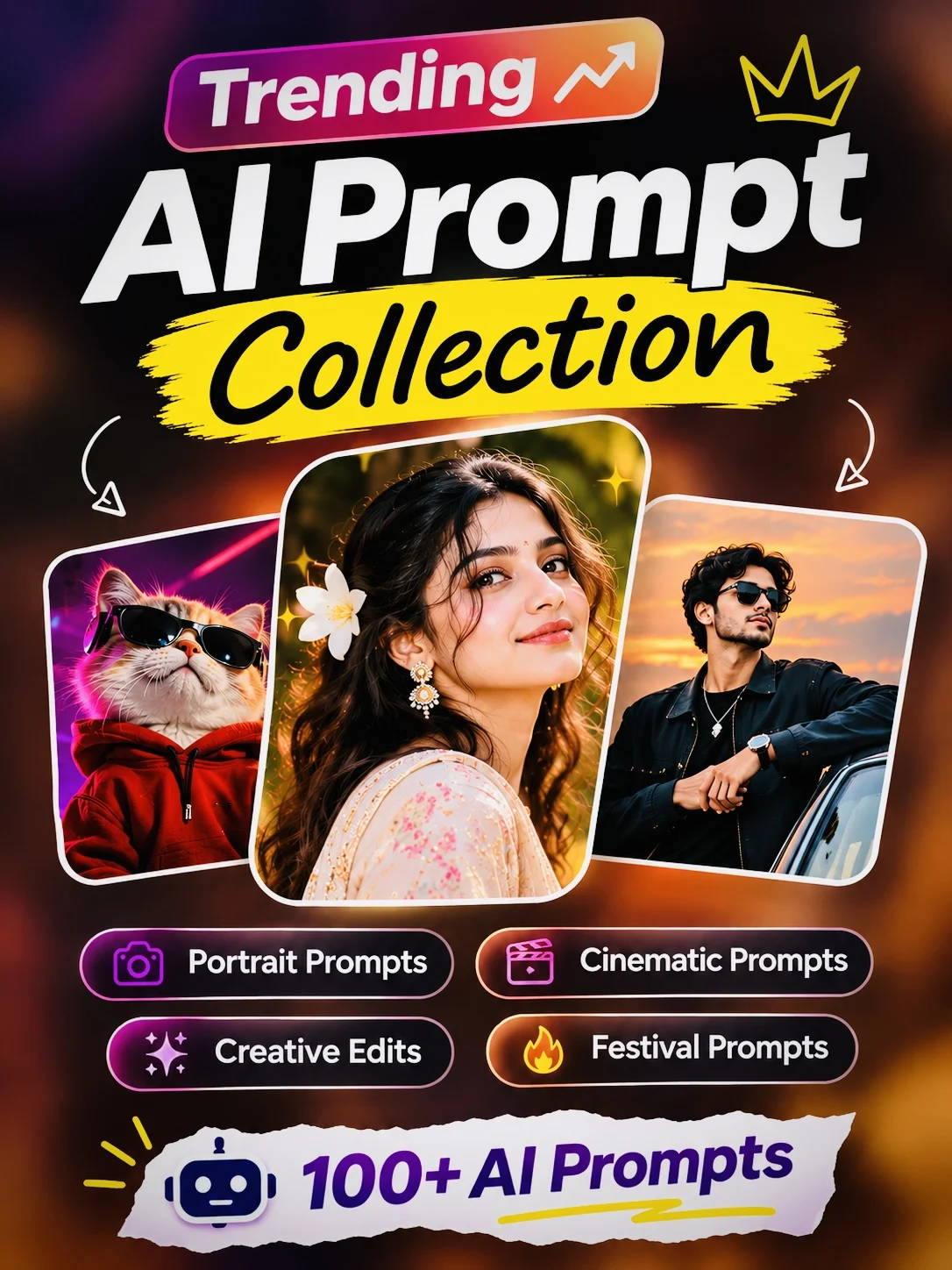
- Trending AI Photo Prompts
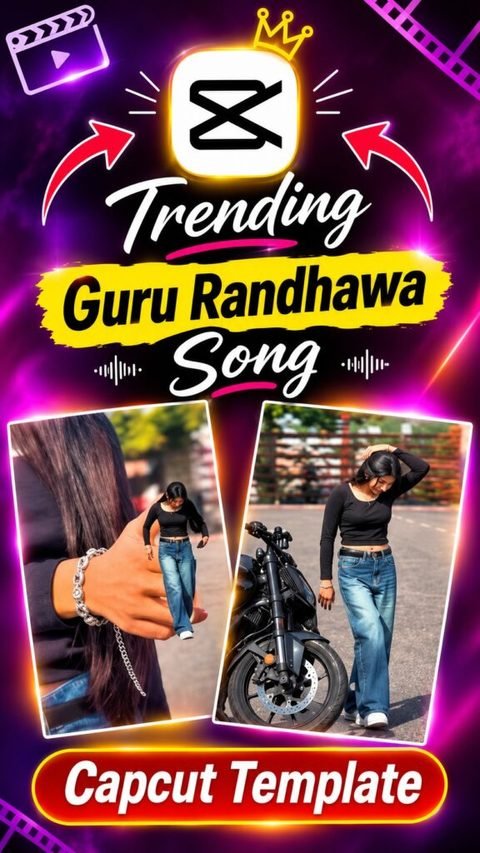
- CapCut Templates
Choose a prompt that matches your idea, copy the instructions and try them with your preferred AI tool.
You can also experiment with the wording to make the result more personal.
## Final Thoughts
Creating realistic AI photographs isn't just about using the latest AI tool. It is also about explaining your creative idea clearly.
Start with a simple concept, describe the scene, mention the lighting and outfit, and tell the AI which original features should be preserved. Small changes to your instructions can make a noticeable difference in the final result.
But there is one thing that makes a bigger difference than the AI tool itself: **the prompt you use.**
A simple prompt might produce an average-looking image, while a detailed and well-written prompt can create something much closer to your imagination.
If you have ever uploaded your photo to an AI tool and wondered why the result looked completely different from what you expected, this guide will help you understand how to write better AI photo editing prompts.
## What Is an AI Photo Editing Prompt?
An AI photo editing prompt is a written instruction that tells an artificial intelligence tool how you want your photograph to look.
For example, instead of simply writing:
"Make my photo cinematic."
You can describe the complete scene:
"Transform this photograph into a cinematic outdoor portrait during golden hour. Keep the original person's facial identity, natural skin tone and facial structure unchanged. Add warm sunlight, a softly blurred background and realistic camera details. Make the final image look like a professional DSLR photograph."
The second instruction gives the AI much more information to work with.
That's the basic idea behind writing effective AI prompts.
## 1. Start With a Clear Description
Before writing a prompt, think about the final image you want to create.
Ask yourself a few simple questions:
- Where should the photograph be taken?
- What outfit should the person wear?
- What should the background look like?
- Should the lighting be natural, cinematic or studio-style?
- What mood should the photograph have?
You don't need complicated photography terminology. Just describe your idea as clearly as possible.
For example, if you want a traditional Indian portrait, mention the saree, jewellery, location, lighting and overall atmosphere.
## 2. Tell AI to Preserve Your Original Face
One of the biggest problems with AI photo editing is that the generated image sometimes changes the person's face.
This can happen when the prompt doesn't clearly explain which facial details should remain unchanged.
If you want a more consistent result, include instructions such as:
- Preserve the original facial structure.
- Keep the natural skin tone.
- Do not change the eyes, nose or lips.
- Maintain the original person's identity.
- Avoid artificial skin smoothing and beauty filters.
Remember that these instructions help guide the AI, but they cannot guarantee perfect identity preservation in every result.
## 3. Describe Lighting and Camera Style
Lighting can completely change the appearance of a photograph.
For realistic results, try describing the lighting rather than simply asking for a high-quality image.
Here are a few useful examples:
**Golden Hour:** Warm sunlight, soft shadows and a natural outdoor atmosphere.
**Studio Lighting:** Professional portrait lighting with controlled shadows and balanced exposure.
**Cinematic Lighting:** Dramatic contrast, atmospheric shadows and carefully balanced highlights.
**Natural Daylight:** Soft daylight, realistic colours and natural skin texture.
You can also mention camera characteristics such as portrait lens perspective, shallow depth of field and natural background blur.
Avoid adding too many technical terms if they don't contribute to the image you want.
## 4. Use These Ready-to-Copy AI Photo Editing Prompts
Here are some practical examples you can try with your own photographs.
### Prompt 1: Cinematic Portrait Photography
Transform the uploaded photograph into a professional cinematic portrait. Preserve the original person's facial identity, facial structure, hairstyle and natural skin tone. Add warm golden-hour lighting, a beautifully blurred background, realistic skin texture and subtle cinematic colour grading. Make it look like a genuine professional outdoor photoshoot, not an artificial AI-generated image.
### Prompt 2: Luxury Traditional Indian Look
Edit the uploaded photograph into an elegant traditional Indian portrait. Dress the person in a beautifully detailed traditional outfit with tasteful jewellery and natural styling. Use a premium heritage-inspired background, soft warm lighting and realistic fabric textures. Preserve the original facial identity and natural appearance. The final result should resemble a high-end fashion editorial photograph.
### Prompt 3: Professional Instagram Portrait
Create a stylish Instagram-ready portrait from the uploaded image. Keep the original face, facial proportions and natural skin tone unchanged. Add a clean aesthetic background, soft natural lighting, realistic colours and professional portrait photography composition. Avoid excessive retouching, artificial skin and unrealistic effects.
### Prompt 4: Vintage Film Photography
Transform the uploaded photograph into a natural vintage film-style portrait. Maintain the original person's identity and facial details. Add subtle film grain, slightly faded colours, soft highlights and realistic shadows. The image should resemble an authentic photograph captured on a classic film camera.
## 5. Common Mistakes to Avoid
Even a good AI image generator can produce disappointing results when the instructions are unclear.
Here are some mistakes worth avoiding:
**Writing prompts that are too short:** A prompt like "make it beautiful" doesn't explain what you actually want.
**Adding conflicting instructions:** Asking for bright daylight and dark nighttime lighting in the same scene can confuse the result.
**Using too many effects:** Combining excessive glow, blur, HDR, dramatic lighting and beauty filters can make an image look artificial.
**Ignoring the original photograph:** If you want to edit an existing picture, explain which parts should change and which should remain the same.
**Expecting every generation to be perfect:** Sometimes you need to adjust the wording and try again to get the result you imagined.
## 6. ChatGPT vs Gemini: Which Is Better for AI Photo Editing?
Both ChatGPT and Google Gemini can be useful for AI-assisted photo editing. The experience and results can vary depending on the model, available image features and the instructions you provide.
ChatGPT is useful for working with detailed editing instructions and experimenting with creative concepts.
Gemini is another popular option for generating and editing images, depending on the image capabilities available in your account.
Instead of choosing a tool based only on popularity, try the same prompt in both and compare the results.
## 7. Where Can You Find More AI Photo Editing Prompts?
Writing every prompt from scratch can take time, especially when you want to experiment with different photography styles.
That's where a ready-to-use prompt collection becomes helpful.
At **PromptDekh.in**, you can explore different types of AI photo editing prompts, including:
- Boys AI Photo Editing Prompts
- Girls AI Photo Editing Prompts
- Couple Photo Editing Prompts
- Portrait Photography Prompts
- Festival Photo Editing Prompts
- Trending AI Photo Prompts
- CapCut Templates
Choose a prompt that matches your idea, copy the instructions and try them with your preferred AI tool.
You can also experiment with the wording to make the result more personal.
## Final Thoughts
Creating realistic AI photographs isn't just about using the latest AI tool. It is also about explaining your creative idea clearly.
Start with a simple concept, describe the scene, mention the lighting and outfit, and tell the AI which original features should be preserved. Small changes to your instructions can make a noticeable difference in the final result.